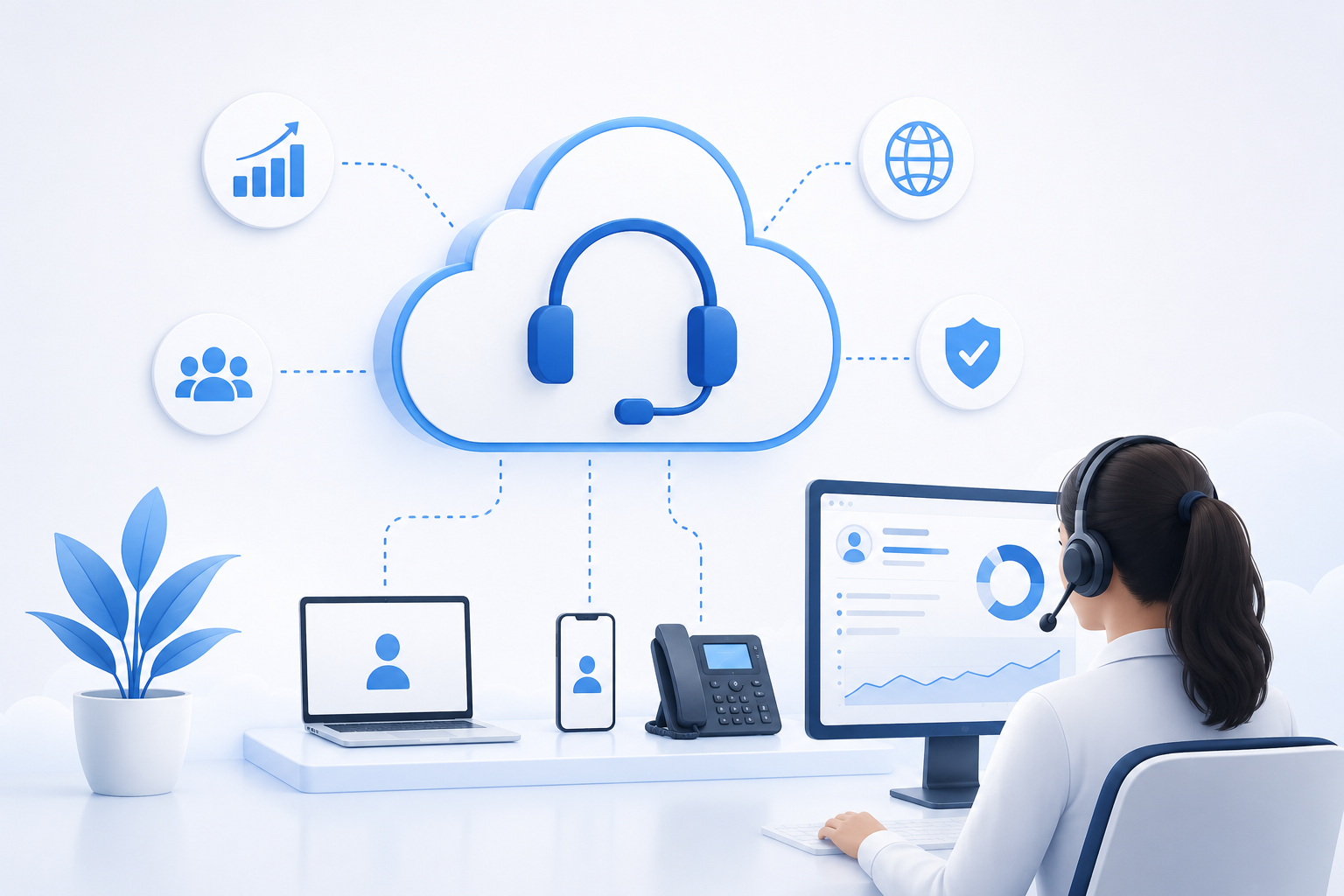

In contact centers, the call queue is where customer experience is won or lost. When calls pile up, even a skilled team struggles to maintain service quality. Queue monitoring means seeing live status for waiting calls, available agents, average wait time, and traffic trends—without jumping between scattered reports.
For operations managers, team supervisors, and customer experience leaders, queue monitoring is not just a dashboard. It is a tool for quality control, workforce planning, and reducing the hidden cost of dissatisfaction. The Lumina platform combines VoIP monitoring with operational dashboards to put that visibility in one place.
Why Queue Monitoring Is Essential for Contact Centers
Many contact centers still rely only on end-of-day reports. The problem is that by the time a report is ready, the moment to fix the issue has passed. Real-time queue monitoring closes the gap between what you think is happening and what customers actually experience.
When you watch the queue live, you can:
- Detect sudden call spikes before wait times escalate
- Respond faster to agent shortages during a shift
- Measure the immediate impact of campaigns or seasonal announcements
- Make short-term decisions based on data, not guesswork
Top Benefits of Queue Monitoring
1. Reduced Customer Wait Time
Long wait times are a leading cause of abandoned calls and dissatisfaction. By tracking queue length, average wait time, and longest wait time in real time, you can add agents, redistribute calls across queues, or adjust prioritization before thresholds are breached.
With Lumina, queue dashboards show which line, skill group, or time window is under the most pressure. That visibility directly supports lower abandon rates and stronger answer performance.
2. Improved Agent Productivity
Queues affect agents as much as customers. When some agents are overloaded while others sit idle, costs rise and quality drops. Queue monitoring reveals:
- How many calls are waiting in each queue
- How many agents are Available, Busy, or in After Call Work
- Which queues exceed their designed capacity
Supervisors can use this information to plan call distribution, breaks, and mid-shift coaching more intelligently.
3. Faster Decisions for Managers
Instead of waiting for a daily report, operations leaders see instantly whether SLA is at risk. Metrics such as service level, answer rate, and calls waiting drive actions like redeploying staff, activating overflow queues, or alerting technical teams.
In multi-queue environments, unified visibility matters even more. Lumina lets you compare queues side by side so managers know which unit needs urgent support and which queue can absorb additional volume.
4. Better Workload Forecasting and Workforce Planning
Historical queue data supports workforce management (WFM) and shift planning. But live monitoring also exposes short-term patterns—for example, a spike after an SMS campaign or a drop during specific hours.
Combining real-time and periodic reporting in Lumina helps you schedule more accurately and avoid unnecessary overtime or understaffing during peak periods.
5. Stronger Customer Experience and Retention
When customers call, they expect a fast, professional response. Unclear queue status, long hold music, or dropped calls directly harm NPS and overall satisfaction. Queue monitoring helps you:
- Keep wait times within acceptable limits
- Adjust hold messages or IVR paths based on queue load
- Prioritize VIP or sensitive calls in dedicated queues
These improvements may seem small, but at daily scale they have a direct impact on customer retention.
Key Metrics to Track in Queue Monitoring
Monitoring is useful only when you watch the right KPIs. The table below shows common metrics and why they matter:
| Metric | Practical Meaning | Why It Matters |
|---|---|---|
| Calls in Queue | Number of calls waiting | Shows immediate pressure on the team |
| Average Wait Time | Mean time callers wait | Core indicator of customer experience |
| Longest Wait Time | Current maximum wait | Early warning for SLA risk |
| Service Level | Calls answered within target time | Measures contractual and internal performance |
| Abandon Rate | Calls dropped while waiting | Signals dissatisfaction and lost opportunity |
| Available Agents | Agents ready to take calls | Enables fast staffing decisions |
With Lumina, you can view these metrics by queue, skill, or line and set alert thresholds so teams respond before a crisis develops.
How to Implement Queue Monitoring in Practice
Tools alone are not enough—you also need process. These steps work well in most contact centers:
Step 1: Define SLA and Alert Thresholds
Start by setting target service levels for each queue. Then define yellow and red thresholds for wait time, queue length, and abandon rate.
Step 2: Display Dashboards Where Teams Work
Queue dashboards should be visible to supervisors and agents. When the team sees status together, coordination improves and manual messaging decreases.
Step 3: Connect Monitoring to Action
Every alert should trigger a defined response: move an agent, activate an overflow queue, call backup staff, or update the hold message. Without a playbook, data only adds stress.
Step 4: Review Weekly and Improve Continuously
Real-time views support today; analytical reports support tomorrow. Review queue patterns weekly and refine processes based on actual data.
How Lumina Makes Queue Monitoring Easier
Lumina is built for teams that need both VoIP infrastructure and live operational visibility. In one platform, you can monitor queue status, agent performance, and call quality together.
- Live dashboards for multiple queues
- Reporting by line, skill, shift, and time range
- Alerts for SLA, wait time, and abandon rate
- Integration with call monitoring and recording for deeper analysis
The result is fewer decisions made in the dark and more actions based on data that is valid right now.
Conclusion
The benefits of queue monitoring go far beyond counting waiting calls. It helps you control wait time, raise team productivity, protect SLA, and steadily improve customer experience. If your contact center still depends on delayed reports, starting with a live queue dashboard is one of the fastest practical steps you can take.
With Lumina, you can manage queue monitoring alongside other contact center supervision tools in one professional, reliable environment—and move from reactive firefighting to proactive operations.