
Cloud calling is one of the most significant shifts in enterprise communications. Instead of relying on physical phone lines and expensive on-premise hardware, organizations use internet-based telephony managed through cloud servers. For contact centers and customer support teams, this model reduces costs while improving flexibility, deployment speed, and the ability to monitor call quality at scale.
What Exactly Is Cloud Calling?
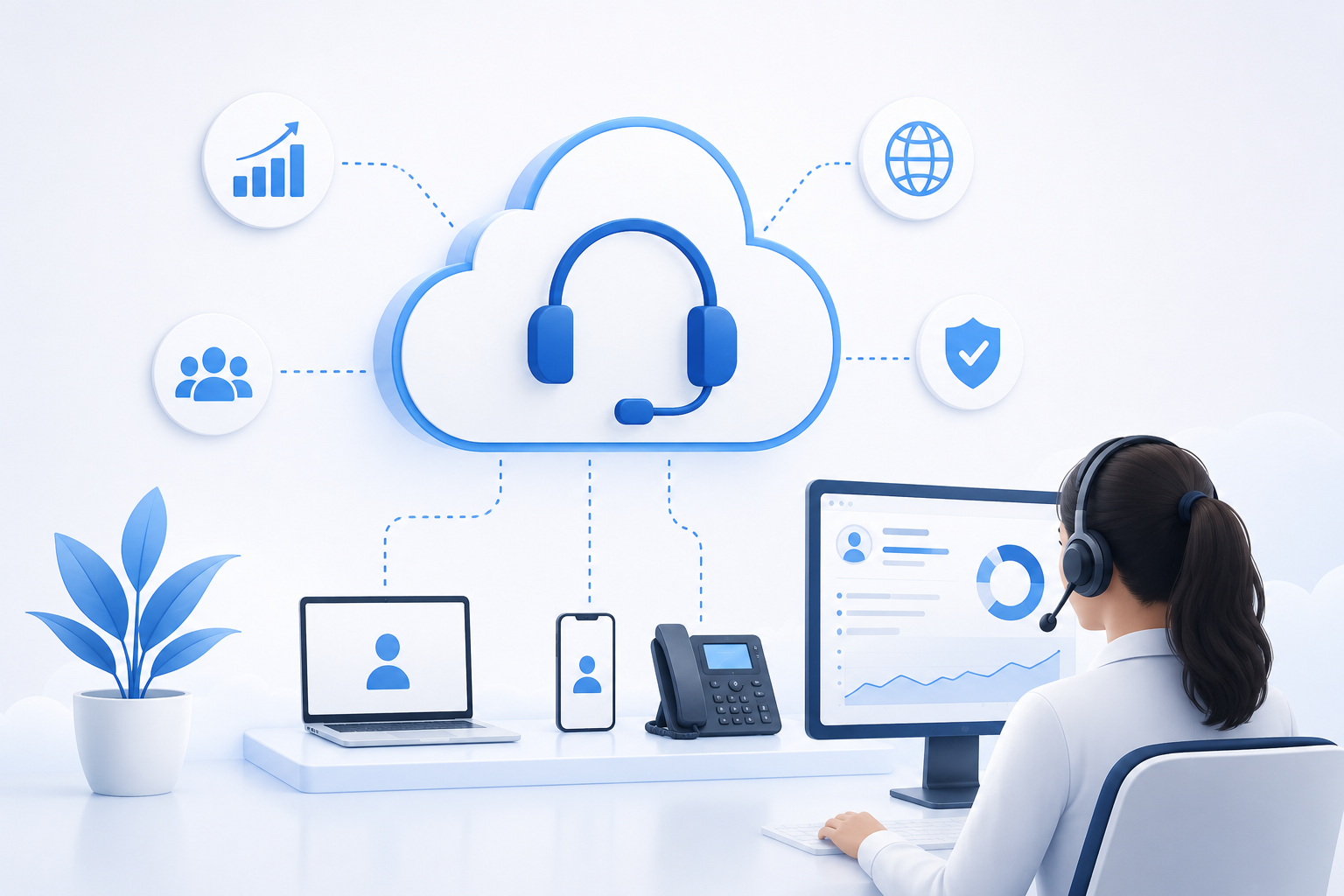
Cloud calling—also known as cloud telephony—delivers voice services over the internet rather than traditional phone networks (PSTN). In this model, a physical PBX is replaced by a virtual switch, and all calls travel via VoIP protocols. Agents can make and receive calls through softphones on laptops, mobile apps, or IP headsets without being tied to a fixed desk or dedicated line.
For contact center managers, cloud calling means:
- Faster setup of new lines and call queues
- Pay-as-you-go pricing instead of heavy upfront capital investment
- Access to advanced features such as IVR, call recording, and real-time reporting
- Native support for remote and hybrid work without quality degradation
Benefits of Cloud Calling for Contact Centers
Organizations that migrate to cloud calling typically see measurable improvements across several key areas. The first benefit is cost reduction. Eliminating PBX hardware, cabling, and annual maintenance significantly lowers operational expenses. The second is scalability—during peak seasons or marketing campaigns, you can increase queue capacity in minutes and scale back when traffic normalizes.
A third benefit is business continuity. Because infrastructure lives in the cloud, a power outage at the office or physical site restrictions do not halt entire contact center operations. Agents can connect from home, another branch, or even another country on the same system. Finally, CRM and workflow integration is far simpler with cloud calling, giving agents instant access to customer context during every interaction.
Quick Comparison: Traditional vs. Cloud
- Setup cost: Traditional — high; Cloud — low
- Deployment time: Traditional — weeks; Cloud — days
- Remote work: Traditional — limited; Cloud — native
- Updates: Traditional — manual and costly; Cloud — automatic
Key Features to Look for in a Cloud Calling Solution
Choosing a cloud calling provider based on per-minute pricing alone is not enough. For contact centers where customer experience is critical, these capabilities matter:
- Voice quality (QoS): Modern codecs and optimized routing to reduce latency and dropped calls
- Queue and skill management: Intelligent call distribution by language, expertise, or SLA
- Call recording and archiving: For training, regulatory compliance, and dispute resolution
- Reporting and dashboards: Metrics such as AHT, FCR, answer rate, and customer satisfaction
- Security and encryption: TLS/SRTP, access controls, and data retention policies
If your contact center serves international customers or operates in multiple languages, global dialing and multi-time-zone support are also essential.
How Lumina Monitors and Improves Cloud Calls
Deploying cloud calling is the first step—but without continuous monitoring, you cannot confirm that quality truly meets expectations. This is where Lumina adds value as a call-center monitoring and VoIP platform.
With Lumina, you can:
- Review inbound and outbound calls live or from recordings
- Analyze voice quality, call duration, and agent behavior
- Receive automated alerts for quality drops or SLA breaches
- Generate management reports to optimize training and workforce planning
One common challenge after migrating to cloud calling is limited visibility into actual call quality. Default dashboards from VoIP providers are often sufficient for operational reporting, but deeper evaluation of team performance and customer experience requires a specialized tool like Lumina.
Best Practices for Cloud Calling Implementation
To ensure a successful migration to cloud calling, follow these steps:
- Assess bandwidth: Each agent needs at least 100 Kbps of stable bandwidth for acceptable VoIP quality. Test your internal network before deployment.
- Train your team: Agents should be comfortable with the softphone, call transfer, hold, and note-taking workflows.
- Pilot in phases: Start with a small team on cloud calling, then expand gradually.
- Define KPIs: Record baseline metrics before migration so you can measure real impact.
- Integrate monitoring from day one: Activate a monitoring tool like Lumina early so pre- and post-migration data is comparable.
Conclusion
Cloud calling is no longer a forward-looking option—it is an operational necessity for contact centers that want to stay flexible, cost-efficient, and ready to grow. With the right infrastructure, proper team training, and continuous monitoring through tools like Lumina, you can maintain or even elevate customer service quality without returning to the complexity of legacy telephony.
If you are evaluating a move to cloud calling or already use VoIP but need deeper insight into team performance, Lumina can support you throughout the journey.